No config files, no channel numbers to look up. HYPERFLUX listens for whatever you move next and binds it. Every mapping is saved and survives restarts.
Plug in your controller and click Enable MIDI on the MIDI page. Detected controllers show up live.
Pick any target — Next scene, Intensity, Look 1, Rig blackout — and hit its learn button.
Move a knob or hit a pad. It binds to that target instantly. Repeat for as many controls as you like.
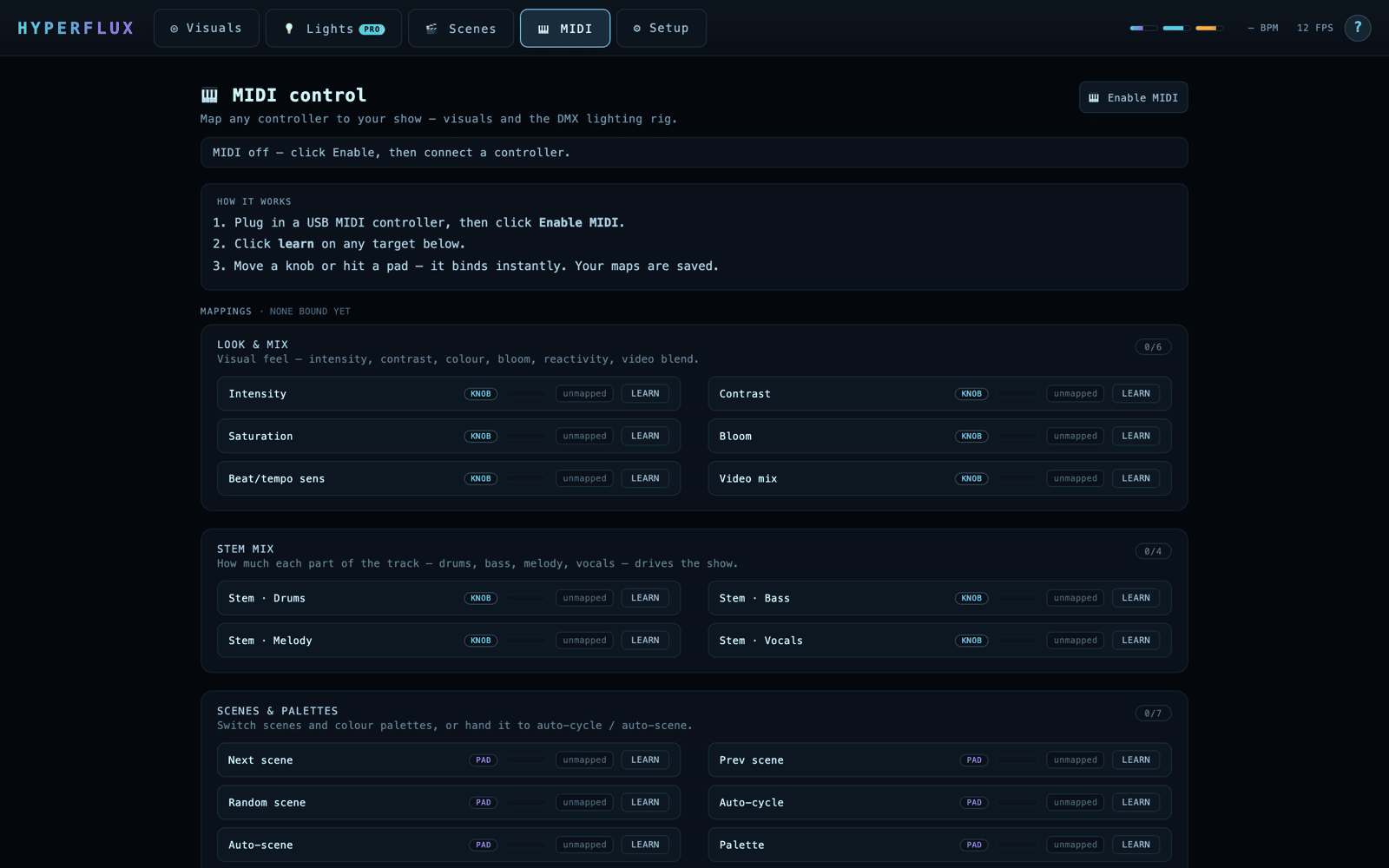
Knobs & faders bind to continuous targets (a value 0–100%); pads & buttons bind to triggers (fire once) or holds (down = on, up = off). The lighting targets need Pro.
Launchpads, Launch Control, APC, MIDI Fighter, nanoKONTROL, your DJ controller's MIDI mode — if it sends MIDI over USB, it works. No drivers, no setup.
Full native MIDI in the macOS & Windows app — controllers are enumerated and listed live, messages handled in real time.
The browser demo uses Web MIDI (Chrome / Edge) so you can try mapping before you buy — same learn flow, same targets.
Try mapping in the browser demo, then run your whole show — visuals & lights — from one controller.